

The fastest path to fewer no-shows and more captured bookings is deploying an omnichannel AI virtual agent that handles scheduling across voice, chat, SMS, and email simultaneously. A significant share of bookings happen outside standard business hours, which means a phone-only or email-only setup quietly loses many potential appointments. The right platform syncs with Google Calendar or Outlook, connects to your CRM and payment processor, and hands off to a human agent the moment a conversation gets complex.
- Adopt an omnichannel AI virtual agent (voice + chat + SMS + email) as the scheduling layer
- Require two-way calendar sync, CRM integration, and payment capture at booking
- Test with a 14-day free trial that requires no credit card to start
- Track no-show rate, after-hours booking share, and average time-to-book from day one
- Chirps offers exactly this stack, with real-time dashboards and voice call handling built in
Pro Tip: Run your first week as a soft launch with real appointments but a human backup on standby. You will catch edge cases in your booking rules before they affect customers.
Table of Contents
- What does AI appointment scheduling actually do?
- What core features should you require from an AI scheduling agent?
- How does AI scheduling drive measurable ROI?
- What integrations and security checks are non-negotiable?
- How do you evaluate and choose the right vendor?
- What does a realistic deployment timeline look like?
- What do pricing models and trials typically look like?
- Which industries and teams benefit most?
- Key Takeaways
- The part most guides skip
- Chirps handles the full scheduling and support workflow
- Useful sources
What does AI appointment scheduling actually do?
AI appointment scheduling is the practice of using an intelligent virtual agent to present availability, confirm bookings, handle rescheduling and cancellations, send automated reminders, and escalate complex cases to a human, all without staff involvement. The agent operates across every channel your customers already use: your website booking page, live chat, SMS, voice calls, social DMs, and email.
Where scheduling intersects with support and sales is where the real value shows up. The agent qualifies the customer during booking with intake questions, captures a deposit or full payment through Stripe or a similar processor, and routes the appointment to the right provider or sales rep. Clients can confirm a booking in under 60 seconds on a well-configured page, which converts motivated prospects at the exact moment of interest rather than losing them to friction.
What core features should you require from an AI scheduling agent?
Not every platform delivers the same depth. Before you sit through a demo, know which features actually move the needle.
- Two-way calendar sync with Google Calendar and Microsoft Outlook, including buffer rules and conflict detection across multiple calendars
- Smart booking rules: service durations, provider selection, capacity limits, and lead-scoring routing so the right rep gets the right appointment
- Self-service rescheduling and cancellation with intelligent conflict resolution and automatic slot release
- Multi-touch reminder sequences via email, SMS, and optional voice: confirmation, 24-hour notice, and a 1-hour SMS. Three-touch reminder sequences consistently reduce no-shows significantly when properly implemented.
- Payment and deposit capture at booking through Stripe or comparable processors. Clients who pay at booking are 94% more likely to show up.
- AI-driven intake forms that qualify leads and collect pre-appointment information before the appointment starts
- Real-time reporting dashboards with admin controls and role-based permissions
- Predictive analytics that forecast demand and hold specific slots open for high-priority appointments, reducing idle provider time
How does AI scheduling drive measurable ROI?
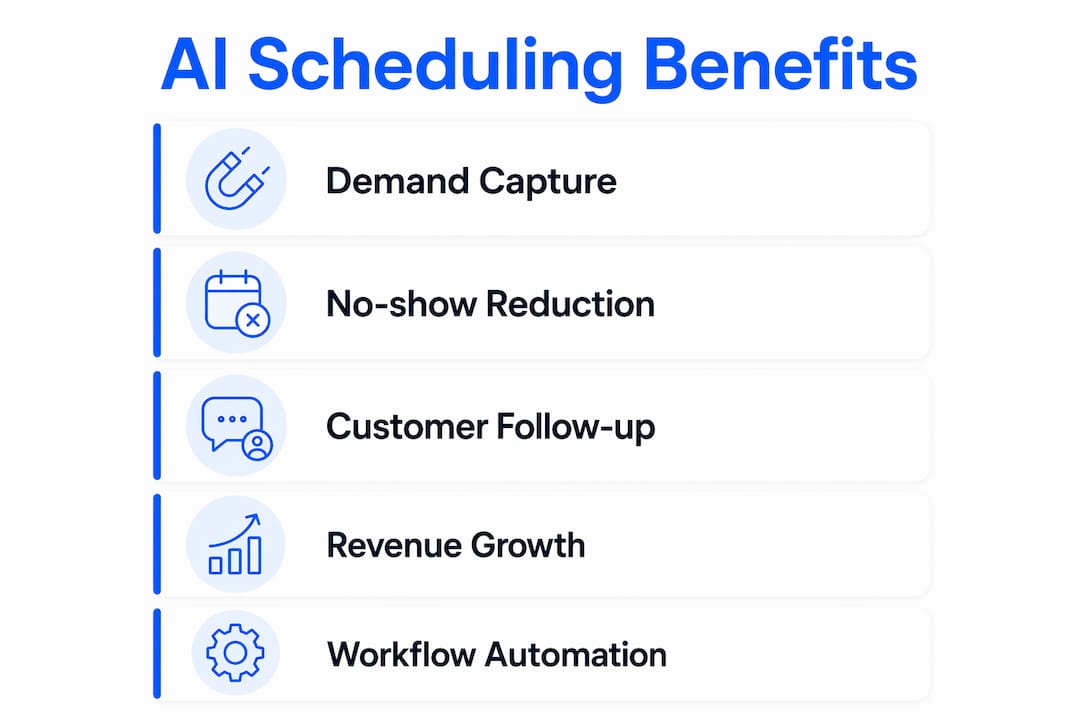
The business case comes down to three levers: capturing demand you currently miss, reducing the revenue lost to no-shows, and cutting the staff hours spent on scheduling back-and-forth.

Automated scheduling software reduces admin back-and-forth and centralizes appointment management, which directly frees staff for higher-value work. Pair that with the after-hours capture figure above and the math gets compelling fast. A service business with frequent appointments recovers significant revenue once reminders and deposit requirements reduce no-show rates substantially.
KPIs to track from day one:
- Booking conversion rate (visitors to confirmed appointments)
- Percentage of bookings captured after hours
- No-show rate before and after reminders go live
- Average time-to-book
- Staff hours saved per week on scheduling tasks
Post-booking automation sequences, including follow-ups, feedback requests, and re-booking prompts, maintain customer relationships and drive repeat visits without any manual effort.
What integrations and security checks are non-negotiable?
Essential integrations to confirm before signing:
- Google Calendar and Microsoft Outlook/Exchange with true two-way sync
- Major CRMs (Salesforce, HubSpot, or your platform of choice)
- Payment processors: Stripe, PayPal, or equivalent
- Web chat widgets and website embedding
- Telephone carriers via SIP for voice call handling
- Email providers and webhooks for event sync
Security requirements:
- Data encryption at rest and in transit
- SOC 2 Type II attestation or equivalent
- Role-based access controls and full audit logs
- API access for custom reporting and data portability
For healthcare contexts, HIPAA-readiness is a separate checklist item. Confirm the vendor will sign a Business Associate Agreement (BAA) and that all messaging channels use encrypted transport. Do not assume HIPAA compliance from a general “secure” claim in marketing copy.
Pro Tip: Ask the vendor for their most recent SOC 2 report during the trial period, not after you sign. A vendor that hesitates to share it is a red flag.
How do you evaluate and choose the right vendor?
Use this scoring rubric to compare platforms objectively:
| Category | Weight | What to assess |
|---|---|---|
| Integration depth | 30% | Two-way calendar sync, CRM write-back, payment capture |
| Reliability and security | — | Uptime SLA, SOC 2, encryption, audit logs |
| UX and admin controls | 20% | Booking flow speed, staff dashboard, role permissions |
| Pricing and TCO | — | Trial terms, SMS/voice add-on costs, contract length |
| Vendor support | — | Onboarding help, response time, documentation quality |
Questions to ask in every demo:
- Does the trial include full calendar and CRM sync, or are integrations locked behind a paid tier?
- How does the platform handle voice-based booking, not just web chat?
- What is the escalation path when the AI cannot resolve a customer request?
- What uptime SLA do you guarantee, and how is downtime communicated?
- Can I export all appointment and customer data at any time?
Red flags to walk away from: a vendor that requires a multi-month contract before you can run a trial; no two-way calendar sync; missing audit logs; a voice demo that is clearly a scripted recording rather than a live AI interaction.
Must-see demo flows: booking from a website widget, booking via SMS, voice-based booking, a reschedule initiated by the customer, and the admin reporting dashboard in real time.
What does a realistic deployment timeline look like?
| Phase | Timing | Key activities |
|---|---|---|
| Discovery and scope | Week 1 | Map booking types, identify calendar and CRM owners, define escalation rules |
| Configuration | Week 1–2 | Connect calendars and CRM, build booking types, configure intake forms and reminders |
| Testing | Week 2–3 | Sandbox testing of all flows, time-zone validation, payment capture test |
| Soft launch | Week 3–4 | Real appointments with human backup, staff training, customer-facing message templates |
| Full launch | Week 4+ | Remove backup safety net, monitor KPIs daily for first two weeks |
Implementation checklist:
- Designate a single internal owner for the rollout
- Validate daylight saving time handling across all time zones you serve
- Confirm fallback routing to a human agent is tested and working
- Prepare a short customer-facing message explaining the new booking experience
- Brief support staff on the escalation playbook before soft launch
What do pricing models and trials typically look like?
Subscription-based pricing with tiered plans is the standard model. Expect tiers based on the number of active agents, seats, or interaction volume, with usage-based add-ons for SMS messages and voice minutes on top.
Many platforms offer a fully functional 14-day free trial with no credit card required. Use that window deliberately.
Trial checklist:
- Test two-way calendar sync with a real calendar, not a demo account
- Send yourself through the full reminder sequence (confirmation, 24-hour, 1-hour SMS)
- Complete a reschedule and cancellation as a customer would
- Run a payment capture test with a real card in test mode
- Simulate a high-volume scenario: book 20 appointments in one session and check for conflicts
TCO estimate for 90 days: add the software subscription cost to integration setup hours (typically 4–8 hours of internal time), staff training time, and incremental SMS and voice costs based on your expected booking volume. Compare that total against the revenue recovered from reduced no-shows and after-hours bookings captured.
Which industries and teams benefit most?
Support teams use AI scheduling agents to book troubleshooting sessions, collect intake information before the call, and route complex cases to tier-2 agents automatically. The agent handles the logistics; the human handles the diagnosis.
Sales teams qualify prospects during the booking flow itself. Intake questions filter out unqualified leads before a rep spends time on a call, and payment capture for paid consultations filters further. Automatic follow-up sequences re-engage no-shows and surface upsell opportunities without manual outreach.
Service businesses see the clearest after-hours ROI. A home services company, a salon, or a fitness studio captures Saturday-night booking intent that would otherwise go to a competitor with a live booking page. Self-serve reschedules cut inbound call volume on Monday mornings.
For healthcare providers, the HIPAA checklist from the integrations section applies in full. For professional services firms, the lead-qualification intake flow is often the highest-value feature. For local service businesses, the 24/7 capture and SMS reminder combination tends to deliver the fastest payback.
Key Takeaways
AI appointment scheduling pays off fastest when omnichannel capture, multi-touch reminders, and payment-at-booking work together, with no-show rates dropping below 5% and after-hours demand fully captured.
| Point | Details |
|---|---|
| After-hours demand is real | 43% of bookings happen outside business hours; 24/7 AI capture is not optional. |
| Reminders cut no-shows sharply | A three-touch sequence (confirmation, 24-hour, 1-hour SMS) reduces no-shows to under 5%. |
| Payment at booking reinforces attendance | Clients who pay a deposit at booking are substantially more likely to show up. |
| Evaluate on integrations first | Weight calendar/CRM/payment integration at 30% of your vendor score; it predicts real-world reliability. |
| Chirps covers the full stack | Chirps provides omnichannel agents with voice, CRM integrations, and real-time dashboards, with a trial available at chirps.cc. |
The part most guides skip
Most vendor comparison articles treat AI appointment scheduling as a booking-page problem. It is not. The booking page is the easy part. The hard part is what happens in the 48 hours after a booking is confirmed: the reminder cadence, the payment hold, the escalation path when the AI misreads a customer’s intent, and the reporting that tells you whether any of it is working.
Businesses that deploy a scheduling agent and then leave it alone typically see modest gains. The ones that see dramatic no-show reductions and measurable revenue recovery are the ones that treat the first 30 days as a tuning period. They watch the KPIs daily, adjust reminder timing, tighten intake questions, and test the voice flow with real customers. The technology is the enabler; the operational discipline is what makes the numbers move.
One more thing worth saying plainly: voice handling is where most platforms still fall short. Web chat booking is solved. SMS booking is mostly solved. A genuinely capable AI voice agent that can handle a rescheduling request from a customer who speaks quickly, changes their mind mid-sentence, and then asks an unrelated support question is a much harder problem. Ask for a live voice demo, not a recording. The gap between what vendors claim and what actually works in a voice channel is wider than any other feature category.
Chirps handles the full scheduling and support workflow
Booking automation that stops at the calendar is only half the job. Chirps deploys omnichannel virtual agents that handle appointment scheduling, inbound support, sales qualification, and voice calls from a single platform, so your team gets one dashboard instead of four disconnected tools.
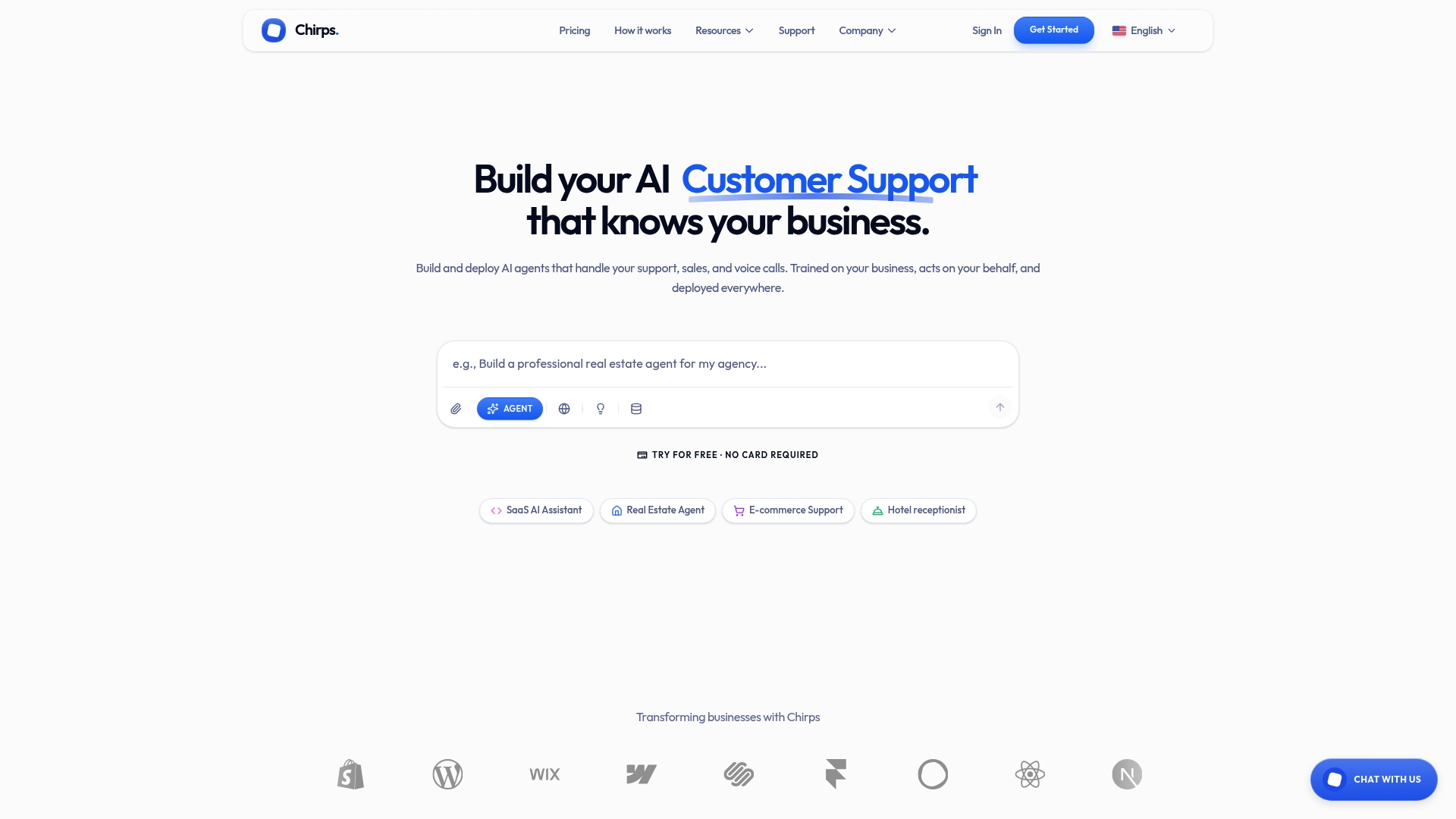
Chirps agents learn from your actual business interactions, which means the intake questions, routing rules, and reminder sequences get sharper over time rather than staying static. CRM integrations write appointment data back automatically, real-time dashboards surface no-show trends before they become revenue problems, and the escalation path to a human agent is built in from day one. There is no lengthy implementation contract to sign before you test it.
Start a free trial at chirps.cc and run the full booking flow, including calendar sync, reminders, and a voice booking test, before you spend a dollar.
Useful sources
- AI Appointment Booking: 24/7 Client Scheduling on Autopilot — after-hours booking statistics, reminder cadence data, and payment-at-booking impact
- AI Patient Scheduling Solutions for Optimal Care — predictive scheduling and demand forecasting methodology
- Appointment Scheduling Software — trial availability, subscription pricing models, and productivity benchmarks
- Automated Scheduling Software — integration standards, reminder automation, and routing capabilities
- Online Appointment Scheduling with Google Calendar — Google Calendar booking pages, Stripe payment integration, and conflict detection