
Best Help Scout Alternatives for AI & Voice-First Teams

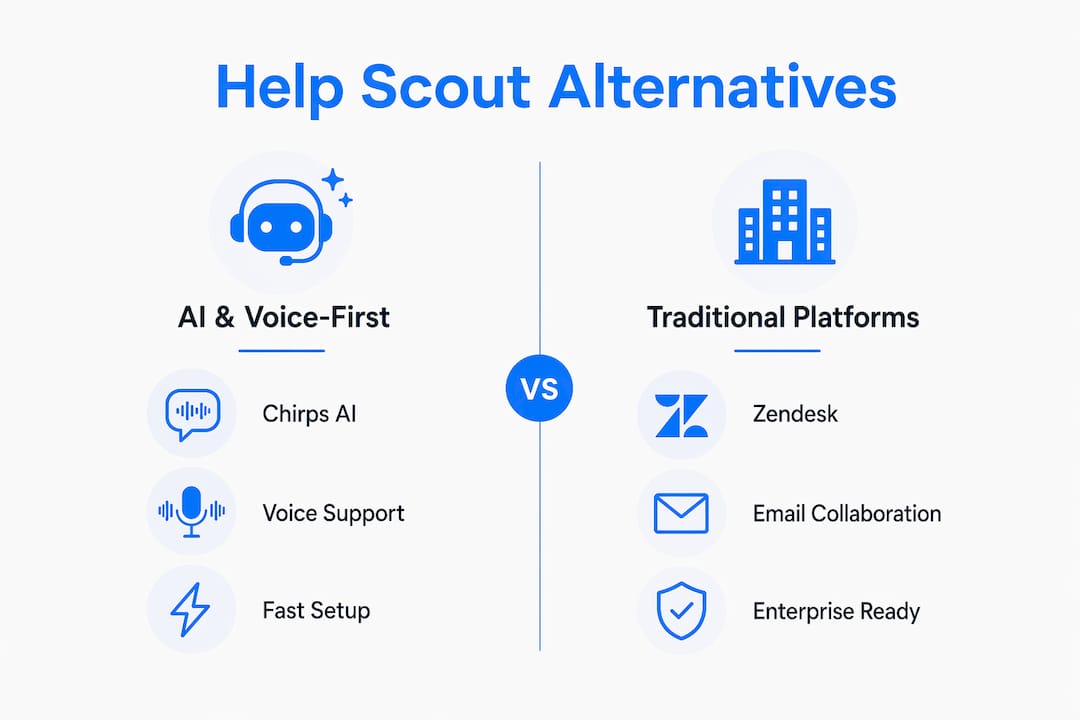
If your team needs voice calls, AI agents trained on your own data, and true multichannel automation, Chirps AI is the strongest pick among current Help Scout alternatives. Here’s the short shortlist by category:
- AI & voice-first platform: Chirps AI — custom-trained agents, inbound/outbound voice, SMS/WhatsApp/email/Discord, fast pilot setup
- Enterprise ticketing platform: Zendesk — deep routing rules, SLAs, large integration marketplace
- Collaborative email-first tool: Front — shared inbox, live co-drafting, account management workflows
- Lightweight chat-first tool: Intercom or Freshdesk — fast chat setup, basic bots, lower entry cost
Chirps AI earns the top spot for this audience because it combines voice number assignment, AI agents trained on your specific operations, and native multichannel integrations in a single platform, without the enterprise-grade configuration overhead that slows teams down.
Pro Tip: Before you demo any alternative, write down your three most common ticket types and whether any of them require a phone call. That single filter eliminates most tools on the market.

Table of Contents
- How do the top Help Scout alternatives compare at a glance?
- What does each alternative category actually do best?
- How to choose the right Help Scout alternative for your team
- What AI, voice, and multichannel support actually need to deliver
- Migration checklist: switching from Help Scout
- Why Chirps AI is the recommended alternative for AI- and voice-first teams
- Key Takeaways
- A realistic pilot plan before you commit to any platform
- Chirps AI: a direct alternative to Help Scout for teams that need more
- Sources and vendor pages to check before you buy
How do the top Help Scout alternatives compare at a glance?
Multichannel parity is rarer than vendors admit — some platforms claim omnichannel support but deliver full functionality on only one or two channels. The table below maps the key decision dimensions across the four shortlist categories.
| Dimension | AI & Voice-First (Chirps AI) | Enterprise Ticketing (Zendesk) | Collaborative Email-First (Front) | Lightweight Chat-First (Freshdesk/Intercom) |
|---|---|---|---|---|
| Best for | Voice + AI automation, multichannel SMB/mid-market | High-volume SLA-driven support orgs | Email-first teams with sales/support overlap | Fast chat setup, small teams |
| AI automation | Custom-trained agents, sales + support bots | AI suggestions, macro automation | AI drafts, basic suggestions | Basic bots, limited training control |
| Voice & phone | Inbound/outbound numbers, voice-to-text, call handoff | Add-on via partners | Limited, third-party only | Limited or add-on |
| Multichannel | SMS, WhatsApp, Email, Discord, chat, voice | Email, chat, social, voice (add-on) | Email, SMS, WhatsApp (add-on) | Email, chat, social |
| Key integrations | CRM, webhooks, API connectors, document crawling | 1,000+ app marketplace | CRM, Salesforce, Slack | CRM, Slack, e-commerce |
| Pricing shape | Tiered SaaS, usage-based voice minutes | Per-seat, add-ons | Per-seat | Per-seat, freemium tier |
| Setup time | Fast (days for pilot) | Weeks to months | Days to weeks | Hours to days |
| Security & SLAs | SOC 2 readiness, GDPR, uptime SLA | SOC 2 Type II, 99.9% uptime SLA | SOC 2 Type II | SOC 2 Type II |
Growing teams move from shared inboxes to platforms with built-in AI and multichannel support as their volume and complexity increase. The category you belong in depends almost entirely on whether your team lives in email, needs structured tickets, or requires voice and AI from day one.
What does each alternative category actually do best?
AI & voice-first platforms (Chirps AI)
Chirps AI deploys agents trained on your specific documentation, conversation history, and product data. Voice number assignment is native, not bolted on through a third-party integration.
Pros:
- Custom AI training on your own knowledge sources, not generic LLM defaults
- Inbound and outbound voice with call handoff to human agents
- Native SMS, WhatsApp, Email, and Discord support in one platform
Cons:
- Smaller third-party app marketplace than enterprise incumbents
- Voice minute costs scale with usage, so high-call-volume teams should model total cost carefully
Ideal for: E-commerce, real estate, and hospitality teams that need voice-enabled lead qualification and automated appointment scheduling alongside chat support.
Enterprise ticketing platforms (Zendesk)
Enterprise-grade platforms trade setup complexity for advanced routing, permissions, and a large integration marketplace. Zendesk’s SLA management and reporting depth are genuinely hard to match at scale.
Pros:
- Mature SLA configuration and compliance reporting
- 1,000+ integrations and a large partner ecosystem
- SOC 2 Type II certified with published 99.9% uptime SLA
Cons:
- Setup typically takes weeks, sometimes months for large orgs
- Per-seat pricing adds up fast; AI features often require higher tiers
Ideal for: Support organizations with 50+ agents, strict SLA requirements, and dedicated admin capacity.
Collaborative email-first tools (Front)
Collaborative features like live co-drafting and internal conversation threads are the differentiator here. Front works well when support and account management share the same inbox.
Pros:
- Live co-drafting and internal comments inside conversations
- Strong CRM integrations for teams where support overlaps with sales
- Clean shared inbox UX that feels familiar to email-native teams
Cons:
- Voice and phone support require third-party add-ons
- AI capabilities are less configurable than purpose-built AI platforms
Ideal for: Account management teams and agencies where support conversations double as relationship management.
Lightweight chat-first tools (Freshdesk, Intercom)
Fast to deploy, low barrier to entry, and good enough for teams that primarily need live chat and basic automation. The tradeoff is limited AI training control and thin voice support.
Pros:
- Freemium or low-cost entry tiers available
- Quick setup, often live within hours
- Solid e-commerce and Slack integrations
Cons:
- AI bots are template-driven, not trained on your specific data
- Voice is an add-on with limited inbound/outbound parity
Ideal for: Early-stage teams that need chat coverage now and plan to upgrade later.
Pro Tip: Ask every vendor: “Can I see the knowledge sources my AI agent will use, and can I edit them after launch?” If the answer is vague, the AI is a black box — and that matters when a customer asks something your documentation covers but the bot gets wrong.
How to choose the right Help Scout alternative for your team
The right pick aligns with your team’s communication philosophy: email-first teams should choose collaborative inbox tools; high-volume, SLA-driven teams need ticket-first platforms; teams that require voice and AI from day one need a purpose-built platform like Chirps AI.
Ask these questions before you commit:
- Which channels do your customers actually use? (Email only, or also SMS, WhatsApp, voice?)
- Do any ticket types require a phone call, and how often?
- How much control do you need over what the AI agent knows and says?
- Does your CRM or product database need to feed context into support conversations?
- Do you have SLA commitments that require audit trails and compliance reporting?
- How much admin capacity do you have for ongoing configuration?
Red flags to watch for:
- Voice support listed as a “coming soon” feature or buried in a premium add-on
- AI agents with no visible knowledge source management
- Brittle integrations that require custom dev work to connect your CRM
- Per-seat pricing that doesn’t include voice minutes, creating surprise bills at scale
Help Scout’s Standard tier is commonly referenced at $25 per user per month. When evaluating alternatives, compare total cost of ownership: per-seat fees plus voice minute costs plus any AI add-on charges, not just the headline price.
What AI, voice, and multichannel support actually need to deliver
AI behavior controls to demand:
- Visible, editable knowledge sources (documents, URLs, conversation history)
- Escalation rules you configure, not the vendor’s defaults
- Suggested reply quality you can audit before going live
- Clear data residency and model training policies
Voice capabilities that matter:
- Native inbound and outbound number assignment
- Voice-to-text transcription with reasonable accuracy
- Warm handoff to a human agent mid-call
- Transparent per-minute or pooled-minute pricing
When voice matters, prioritize platforms that assign phone numbers directly and publish their minutes pricing. Surprise voice bills during a growth spike are a real budget risk.
Multichannel expectations:
True unified conversation history means a customer who emails on Monday and texts on Wednesday gets one continuous thread, not two disconnected tickets. AI-forward alternatives now advertise AI agents as core features, but buyers should verify that AI capabilities are consistent across every channel, not just the primary one.
Metrics to track from week one: deflection rate, average handle time, containment rate, escalation rate, voice uptime against SLA, and a weekly AI answer accuracy spot-check.
Migration checklist: switching from Help Scout
Steps in order:
- Export full conversation history and verify file completeness before canceling any plan
- Map all user accounts, aliases, and team inboxes to the new platform’s structure
- Recreate routing rules and assignment logic in the new tool before going live
- Migrate your knowledge base articles and verify formatting after import
- Import contacts and tag/segment data; confirm field mapping matches your CRM
- Configure phone numbers and webhooks; test inbound and outbound call routing
- Upload AI training data (documents, FAQs, product pages) and run accuracy tests before launch
Timeline: A small team (under 10 agents) can complete a pilot in 3–5 days. An enterprise migration with complex routing and SLA configurations typically takes 3–6 weeks.
Migration friction centers on conversation history, knowledge base transfer, and preserving aliases. Run a scoped pilot with real ticket types before full cutover.
Testing checklist before full launch:
- Send 10 sample tickets across each channel and verify routing
- Make 5 test voice calls covering inbound, outbound, and escalation scenarios
- Confirm cross-channel conversation history is unified, not siloed
- Simulate a high-load window and check SLA timer behavior
- Get sign-off from at least three agents on the new interface
Why Chirps AI is the recommended alternative for AI- and voice-first teams
Chirps AI builds custom-trained AI agents on your specific operations data, not generic templates. That distinction matters most for teams where a wrong answer from a bot costs a sale or a customer relationship.
Core capabilities:
- AI agents trained on your documents, website content, and conversation history
- Native inbound and outbound voice with phone number assignment
- Multichannel coverage: SMS, WhatsApp, Email, Discord, and embedded chat
- API connectors, webhooks, and live website/document crawling for agent knowledge
- Business insights and reporting built into the platform
Use cases where Chirps AI performs well:
- Voice-enabled lead qualification for real estate and e-commerce teams
- Automated appointment scheduling with AI confirmation and follow-up
- AI-assisted sales handoff with full conversation context passed to the human agent
- Multichannel support with unified history across chat, voice, and messaging apps
Setup for a pilot typically runs in days, not weeks, because the platform is built for fast deployment without heavy admin configuration.
Pro Tip: When you set up your Chirps AI pilot, start with your five most common support questions and one voice scenario. Train the agent on those first, measure deflection rate for two weeks, then expand. Trying to train everything at once delays your first real data point.
Key Takeaways
The best Help Scout alternative for AI- and voice-first teams is Chirps AI, which combines custom-trained agents, native voice, and multichannel automation in a platform that deploys in days.
| Point | Details |
|---|---|
| Communication philosophy first | Match the tool to how your team works: email-first, ticket-first, or voice/AI-first. |
| Voice needs a native solution | Platforms with add-on voice create pricing surprises; prioritize native number assignment. |
| AI control is non-negotiable | Demand visible, editable knowledge sources before committing to any AI platform. |
| Total cost of ownership | Compare per-seat fees plus voice minutes plus AI add-ons, not just the headline price. |
| Chirps AI for voice + AI teams | Chirps AI offers custom-trained agents, native voice, and multichannel support with fast pilot setup. |
A realistic pilot plan before you commit to any platform
Two weeks is enough time to get a real signal, if you scope it correctly. Pick one team of 3–5 agents, five representative ticket types that cover your most common scenarios, and five voice test calls that include at least one escalation to a human.
Measure deflection rate and first-contact resolution daily. On day 10, run a simulated high-load window and check whether SLA timers and escalation rules hold. If they don’t, that’s a configuration problem you want to find before full rollout, not after.
Qualitatively, ask your agents two questions at the end of week two: How long did it take you to set up a new automation? And did the AI’s answers ever surprise you in a bad way? Those two questions surface the configuration cost and AI reliability issues that no benchmark metric captures.
Chirps AI: a direct alternative to Help Scout for teams that need more
Most Help Scout alternatives give you a better inbox. Chirps AI gives you something different: AI agents that know your business, a phone number that works on day one, and customer conversations that flow across SMS, WhatsApp, email, and chat without losing context.
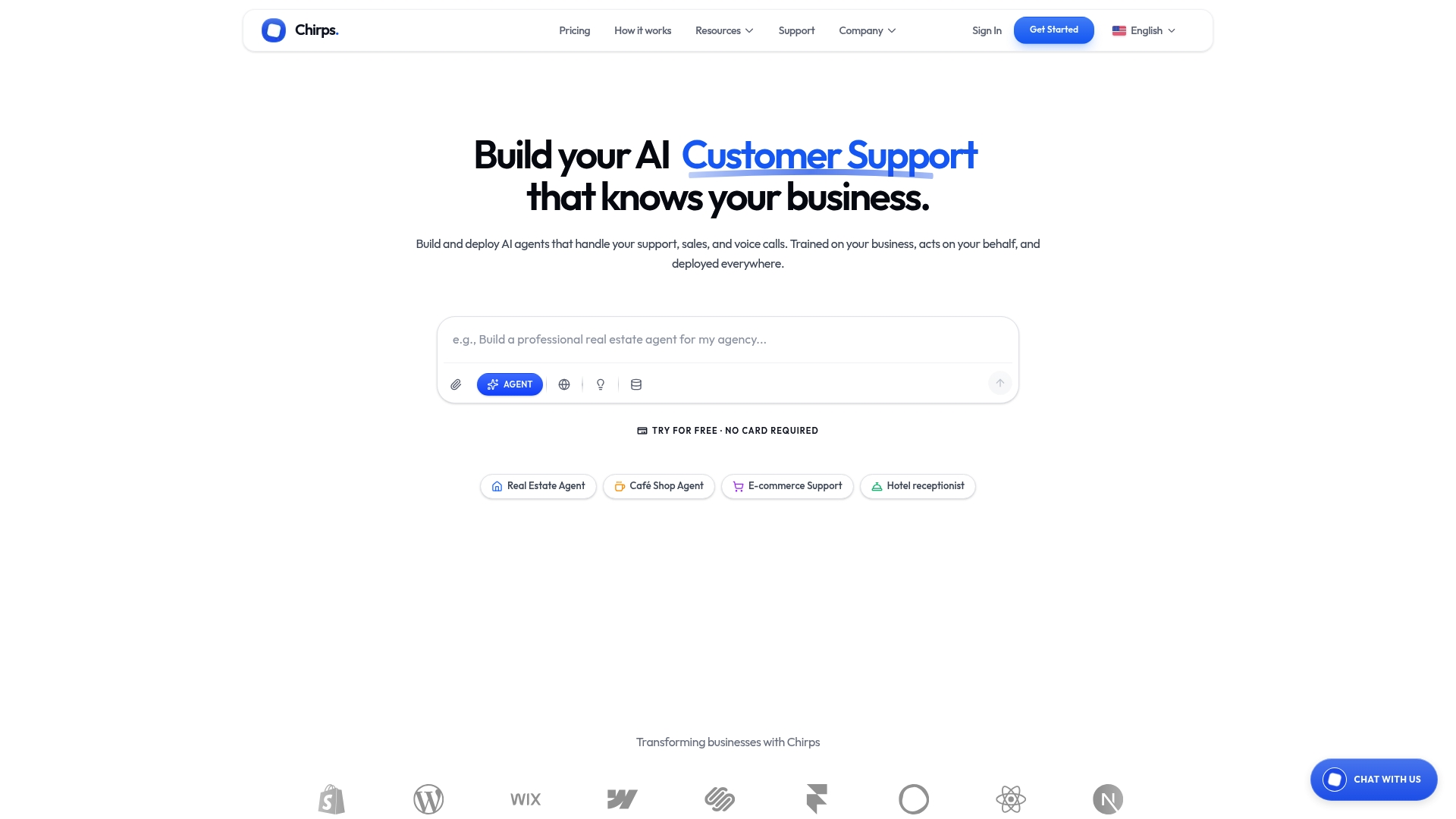
For teams in real estate, e-commerce, or hospitality, that means fewer missed leads, faster booking confirmations, and support that runs around the clock without adding headcount. The demo covers AI agent setup, voice number assignment, integration walkthrough, and a suggested pilot timeline for your team size.
Start your Chirps AI pilot or request pricing directly on the site. If you want an independent comparison of small-business customer service tools before you decide, the no-fluff comparison at Ernest is worth a read alongside this article.
Sources and vendor pages to check before you buy
Use these to validate claims, find trial links, and dig into security documentation during your procurement process.
- Chirps AI product overview — AI agent capabilities, voice features, multichannel integrations, and pricing tiers
- Monday.com: 10 Best Help Scout Alternatives — broad category roundup covering AI, setup complexity, and integration depth
- Missive Blog: 9 Best Help Scout Alternatives for 2026 — strong on communication philosophy alignment and pricing comparisons
- Gleap: 7 Best Help Scout Alternatives for SaaS Teams — covers multichannel parity gaps and voice pricing considerations
- Ernest Blog: Customer service for small business — practical playbook for lean teams running pilots
When vetting any vendor, ask for:
- SOC 2 Type II certification report (not just a badge on the website)
- Published uptime SLA with historical incident data
- A live integration directory, not a marketing list
- At least one customer case study from your industry
- Written confirmation of data residency and AI model training policies