
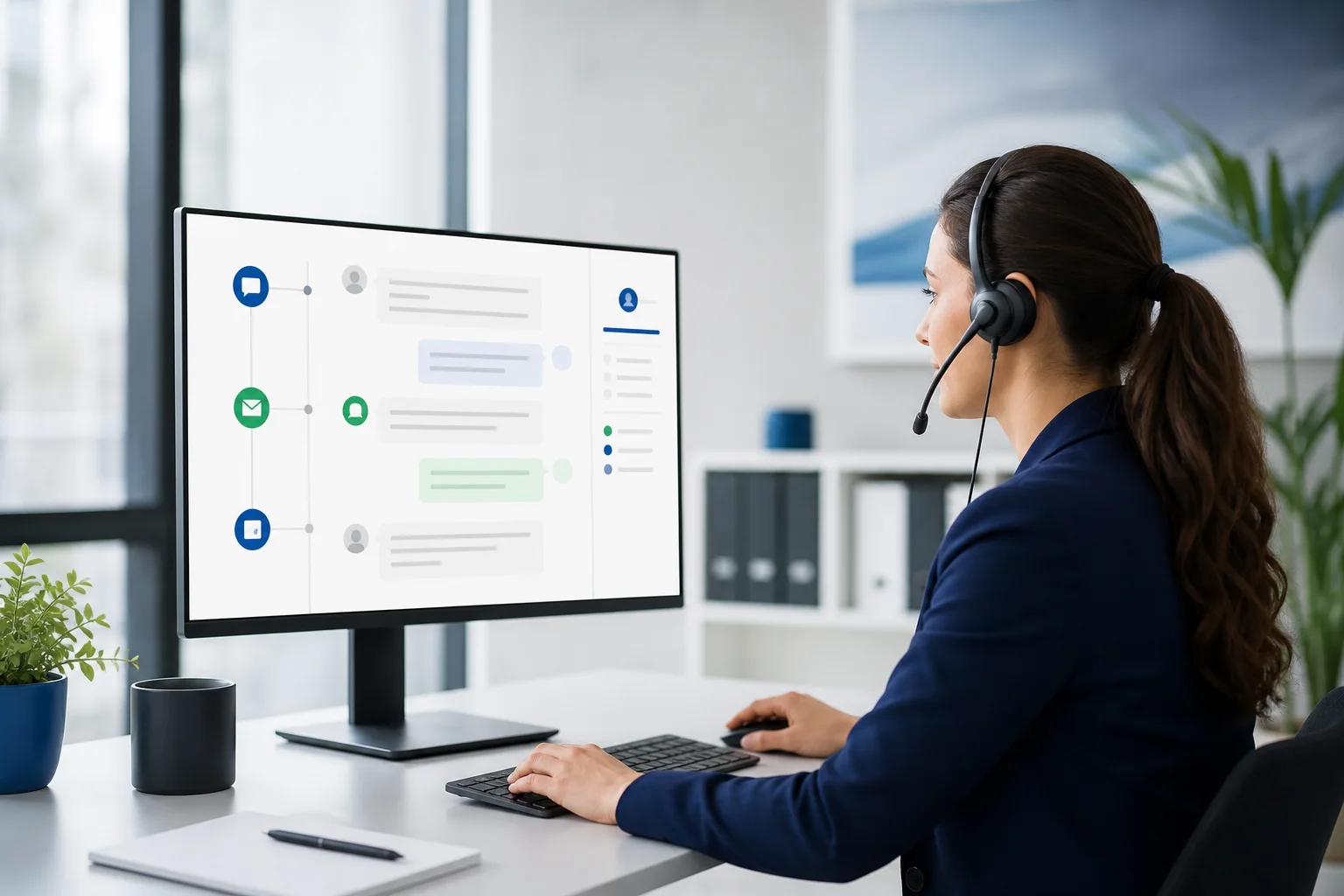
A good chatbot handoff chooses the channel that matches urgency and staff availability. Use live takeover when a qualified person is ready now, email or SMS follow-up when the customer can wait and has provided a valid contact, and a support ticket when ownership, priority, and an audit trail matter. Every path should preserve the conversation.
The worst handoff is not a slow one. It is an ambiguous one: the assistant says it is connecting the customer, nobody receives the request, and the customer does not know whether to wait. Reliable escalation is an operational workflow with a status, owner, context, and fallback.
The three handoff models
| Handoff | Use it when | Customer promise |
|---|---|---|
| Live takeover | A trained person is available and the issue benefits from immediate judgment | A person is joining this conversation now |
| Email or SMS follow-up | The team is offline or the answer needs preparation | We captured your request and will contact you through the selected channel |
| Support ticket | The request needs ownership, priority, internal routing, or an audit trail | Your request has been recorded with a reference and response expectation |
Use live takeover carefully
Live takeover is best for active incidents, emotionally charged conversations, complex sales questions, and situations where a person can make a decision the assistant cannot. The interface should clearly show when the AI stops and the human begins.
- Check real availability before promising a live agent.
- Alert the correct team, not a generic inbox nobody owns.
- Give the agent the transcript and a concise summary before they join.
- Keep the customer in the same conversation whenever possible.
- If the agent does not accept in time, offer an honest asynchronous fallback.
Use email or SMS follow-up when live support is unavailable
An asynchronous follow-up is not a failed live chat. It is the correct path when staff are offline, the request needs research, or the customer prefers to leave. The workflow must first capture a valid contact method from the current conversation. It should never invent a phone number or reuse unrelated contact data.
The outbound message should be written inside the support platform with the conversation context available, then reviewed before sending when the situation warrants it. Record the recipient, channel, subject or message, sender identity, delivery status, and timestamp.
Use a ticket when work must be owned
A ticket is appropriate when another team must investigate, the issue spans several days, contractual response times apply, or several internal actions are required. A ticket should not become a place where context disappears. Attach the original conversation and the reason for escalation.
What context must follow the customer
| Context | Why it matters |
|---|---|
| Conversation transcript | Prevents the customer from repeating the entire story |
| Short issue summary | Lets the human understand the request quickly without replacing the source transcript |
| Verified contact and identity state | Separates captured details from assumptions and protects private data |
| Current page or entry point | Explains what the customer was viewing when the issue began |
| Actions and tool results | Shows what the assistant already attempted and whether it succeeded |
| Timestamps, language, and timezone | Supports accurate response expectations and scheduling |
| Escalation reason and urgency | Helps route the request to the right person and queue |
A production-ready routing policy
- Identify whether the customer needs information, an action, reassurance, or an exception.
- Check whether the request involves sensitive data, consequential action, repeated failure, or explicit demand for a person.
- Check the live team's real availability and applicable service hours.
- Choose live takeover, asynchronous follow-up, or ticket creation.
- Confirm the contact method and explain the next step in plain language.
- Create the handoff and verify that the downstream system accepted it.
- Show a success state or a recoverable error; never silently drop the request.
Triggers that should favor a human
- The customer explicitly asks for a person.
- The assistant has failed to answer or act after a defined number of attempts.
- The customer reports harm, fraud, safety concerns, discrimination, or serious service failure.
- The request involves an exception, dispute, refund, cancellation, or other consequential change outside approved limits.
- Identity cannot be verified for private account information.
- The assistant detects conflicting sources or an unavailable critical tool.
NIST's guidance on human-AI interaction and oversight emphasizes that human roles and responsibilities should be defined across the system lifecycle. In support operations, that means naming who receives escalations, what authority they have, and how failed handoffs are reviewed.
Handoff messages should make one honest promise
| Avoid | Prefer |
|---|---|
| Connecting you to an agent... | A support specialist is available and is joining now. |
| Someone will contact you soon. | We will email you at the address you confirmed within our stated support window. |
| Your request was escalated. | Ticket created successfully. Here is what happens next. |
| Please explain the issue again. | I have the conversation and the steps already attempted. |
Measure whether handoff works
- Handoff creation success rate
- Time from request to human acknowledgement
- Percentage of customers asked to repeat information
- Live requests that fall back to asynchronous follow-up
- Delivery failures by email, SMS, notification channel, or ticket connector
- Resolution and satisfaction after escalation
How Chirps supports the workflow
Chirps keeps conversation history in the dashboard, supports human takeover, and allows teams to follow up from the platform using contact details captured during that conversation. Businesses can also configure notification and connector workflows so leads, bookings, and escalations reach the systems their team actually monitors.
The configuration determines the result. A handoff cannot responsibly send an email or SMS when the customer has not supplied that contact method, and a connector should not perform a protected action without the required authentication and permissions. Review the broader chatbot handoff best-practices guide for implementation details.
What prompted this guide
Support and AI communities frequently debate whether a handoff means a live agent, an email, or a ticket, and whether making a bot less eager to answer can improve trust. See the original discussion about a chatbot that escalated uncertainty and the customer-success discussion about AI support expectations.
Key takeaway
Human handoff is not one button. It is a choice among real-time and asynchronous workflows, made with accurate availability, verified contact details, preserved context, and a confirmed downstream result. When those pieces are present, automation reduces customer effort instead of moving it elsewhere.