
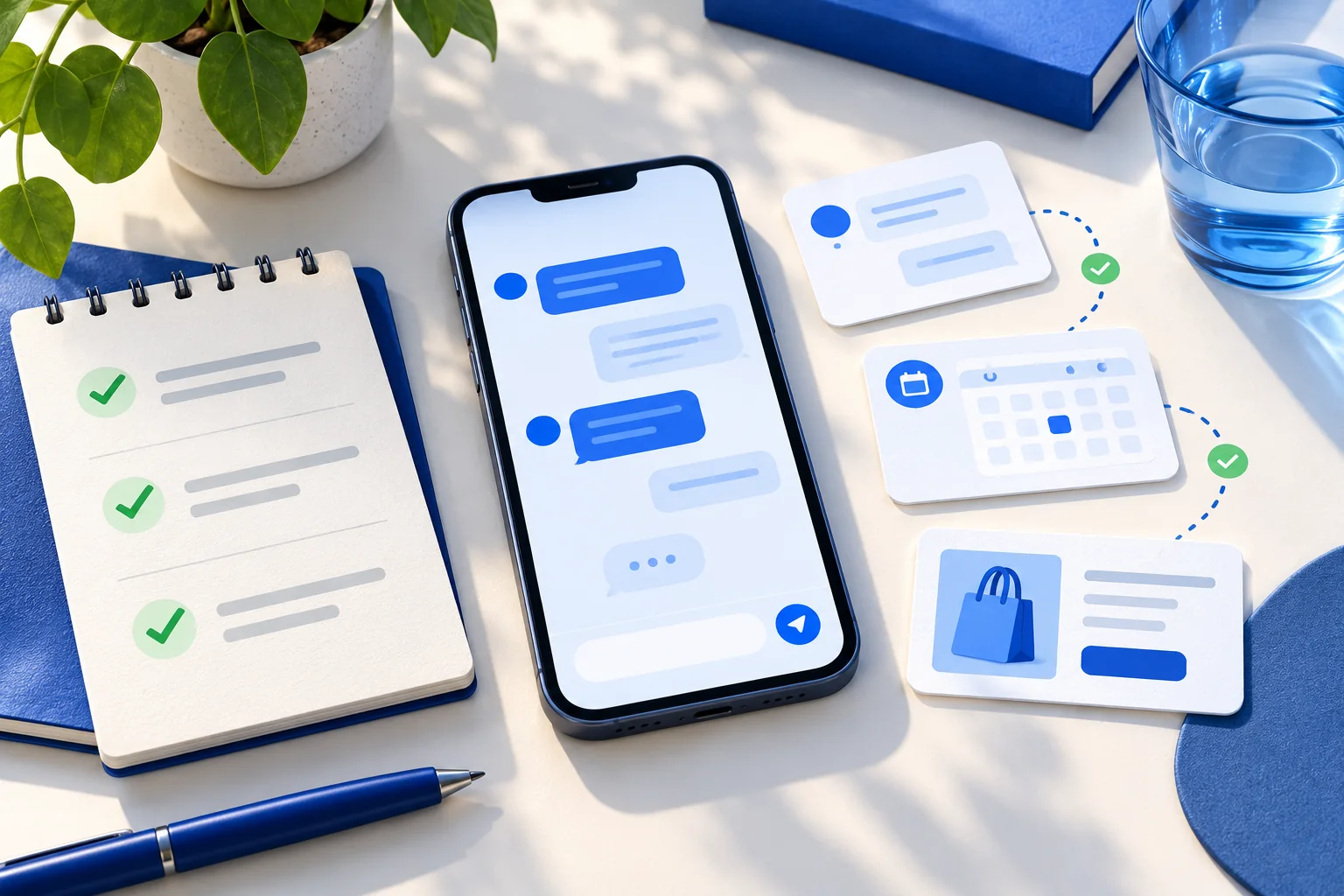
Test a website chatbot as a customer journey, not as a single clever answer. For each real question, record the expected source and the next action. Then run the conversation on the published site, verify what was saved or delivered, and repeat the test on a phone.
A response can sound right while using an outdated policy, linking to the wrong product, showing a form that never saves, or confirming a booking that no one receives. The twenty journeys below check the visible reply and the underlying outcome. Skip capabilities you have not enabled; do not count an unconfigured feature as a chatbot failure.
Write the expected result before asking the assistant
Collect real questions from support messages, sales calls, site search, and the people who answer customers today. For each one, note the current page or document that should support the answer. If the business has not approved the fact yet, the expected behavior may be to ask a clarifying question or route the visitor to a person—not to invent a confident response.
| Record for each run | Why it matters |
|---|---|
| Exact visitor wording and the page used | A polished demo prompt may hide problems with ordinary language or context. |
| Expected fact, source URL, and allowed next action | A fluent reply can be wrong without an agreed reference. |
| Actual reply, source, artifact, and saved record | The UI and the database outcome are different checks. |
| Result, severity, owner, and retest date | A failed case needs a fix and an accountable person. |
The 20 customer journeys
Answers and source quality
| # | Try this | Pass when |
|---|---|---|
| 1 | Ask a common question using the wording from a real email. | The answer is correct, concise, and supported by the intended current page. |
| 2 | Ask the same thing with a typo or casual phrasing. | The assistant understands the intent without needing a scripted keyword. |
| 3 | Ask two related questions in one message. | Both are answered, or the assistant clearly asks which part needs clarification. |
| 4 | Ask a follow-up such as ‘What about the cheaper one?’ | The reply keeps the product, plan, or service context from the previous turn. |
| 5 | Ask for a fact absent from all approved sources. | The assistant does not invent a price, policy, guarantee, or availability. |
| 6 | Ask about a policy exception or condition. | The answer includes the relevant condition and links to the authoritative policy. |
| 7 | Ask about a newly published page outside the original crawl. | The assistant finds an approved current source when website lookup is enabled, or gives an honest fallback. |
Commerce and conversion
| # | Try this | Pass when |
|---|---|---|
| 8 | Describe a need without naming a product. | The assistant narrows the choice instead of listing unrelated products. |
| 9 | Request a product card for a specific item. | A card appears only when real image and product data are available; its link opens the right item. |
| 10 | Ask for an unavailable item or missing variant. | The assistant does not invent stock; it offers a verified alternative or a useful page. |
| 11 | Ask to speak with a person or request a quote. | The configured form or human route appears at the right point and explains what happens next. |
| 12 | Submit a lead with one optional field blank. | The form handles the field correctly and the saved lead is visible to the team. |
| 13 | Choose an appointment, change the time, then confirm. | The draft updates and only the final chosen slot is booked. |
| 14 | Try a time that is unavailable or outside working hours. | The visitor does not receive a false confirmation; an alternative is offered. |
Operation and failure recovery
| # | Try this | Pass when |
|---|---|---|
| 15 | Request a private order or account detail without verification. | The assistant does not disclose another person’s information or treat an ID alone as proof of ownership. |
| 16 | Submit a test lead or booking with alerts enabled. | The dashboard record exists and the configured destination receives one useful notification. |
| 17 | Ask for an agent when nobody is online. | The assistant gives the genuine follow-up route rather than promising an immediate takeover. |
| 18 | Make a connected service unavailable in a controlled test. | The assistant reports the limitation and preserves a useful next step; it does not claim the action succeeded. |
| 19 | Start an enabled voice conversation with a long question and a correction. | The spoken reply and visible transcript remain usable, and corrections affect the current task. |
| 20 | Open the widget on a phone with the keyboard and consent banner visible. | The input, close control, long answer, cards, and page’s primary button remain reachable. |
The product-card, booking, connector, voice, and alert cases apply only when those capabilities are configured for the assistant. A basic FAQ assistant still needs the answer, source, privacy, handoff, and mobile checks.
Do not stop at the visitor-facing screen
After the form or booking test, open the team dashboard. Check the captured fields, status, assistant, source conversation, and timestamp. An attractive confirmation in chat is not evidence that the record was stored or that a staff member was notified. Likewise, a delivered webhook or email is not proof that someone read and acted on it; define who owns follow-up.
For Chirps, the conversation view, Leads, Bookings, and configured dispatch destinations form the inspection path. If a test creates duplicate records, keep the exact prompt and time, then investigate the submission path before rerunning it. Never test a real customer’s private record with an unrelated visitor session.
Grade failures by the customer consequence
| Severity | Example | Launch decision |
|---|---|---|
| Critical | Private information exposed, false booking confirmation, wrong payment or policy promise | Stop the affected flow; fix and retest before publishing. |
| Major | Lead not saved, wrong product link, handoff reaches nobody | Fix the flow or disable it until a reliable fallback exists. |
| Minor | Answer is correct but long, a label wraps awkwardly, or a suggestion is repetitive | Record and schedule improvement; check the mobile experience. |
Do not hide a major failure inside an average pass rate. A business may accept one awkward sentence but cannot accept a lead disappearing or a customer believing an unbooked appointment is confirmed. Set launch criteria with the person responsible for those customer outcomes.
Fix the right layer, then rerun the journey
- Wrong or missing fact: correct the public page or approved document, refresh knowledge, and recheck the cited source.
- Wrong route or unavailable action: inspect the artifact, connector, calendar, or dispatch configuration.
- Good reply but missing record: investigate submission and storage, not just wording.
- Duplicate confirmation: check retry and idempotency behavior before testing with real visitors.
- Mobile obstruction: verify the page and widget together with the on-screen keyboard, banners, and sticky buttons.
Run the failed case again after the change, then rerun the nearest related cases. A new product source can change another recommendation; a booking rule can affect adjacent time slots. For scheduling-specific tests, use the booking setup checklist. For missing source content, use the crawl diagnostic.
Check accessibility and page performance too
A keyboard user should be able to open, operate, and close the widget. Form fields need persistent labels and errors that explain the correction. The W3C’s form-label guidance gives concrete checks. Measure the live page before and after installation using PageSpeed Insights, and validate mobile interaction with a real device; a synthetic score alone does not show whether the widget covers a checkout control.
Keep the test set after launch
Save the question, expected source, and pass criteria as a regression set. Add new cases from real conversations, especially when a visitor asks something the site never explained. Recheck the set after changing prices, policies, integrations, assistant instructions, or widget design. The most useful test suite grows from customer questions, not from a list of prompts that only proves the assistant can repeat its welcome message.
A sensible first pass
If time is limited, run the common-answer, missing-answer, human-request, form-save, mobile, and one enabled transaction case first. Then complete the remaining journeys before a wider launch. The aim is not to make an AI assistant sound perfect; it is to make the outcomes customers rely on observable and dependable.