
To start an AI chatbot agency, choose one customer problem, build an assistant around the client’s approved information, install it on their website, and maintain the experience after launch. Your service includes the decisions, testing, and follow-up that make the assistant useful.
You may already build websites, run marketing campaigns, or connect business tools. A client’s next question is often simple: “Can this website do more for us?” An assistant can help visitors understand a service, find an answer, request a quote, or choose an appointment. This guide explains how to turn that opportunity into a service you can describe, price, and deliver with Chirps.
Already have web, SEO, or marketing clients? Start with one whose customers ask questions before contacting them. The guide to selling AI website support to existing clients covers that conversation. If you are starting a new agency, follow the launch steps below before committing to several industries or complex integrations.
- Your first client launch, at a glance
- What does an AI chatbot agency actually deliver?
- 1. Choose your first clients and a focused offer
- 2. Package a service your client can understand
- 3. Build the client’s assistant with Chirps
- 4. Design the conversation around a real customer journey
- 5. Set pricing from delivery cost and ongoing responsibility
- 6. Settle client ownership, branding, and access
- 7. Install, test, and launch on the client’s website
- 8. Make your monthly service useful and measurable
- Your first 30 days as an AI chatbot agency
- Frequently asked questions about chatbot agency services
- Build an assistant service your clients can rely on
To explore the platform before planning your service, visit Chirps for agencies for client workflow examples, management options and current plan links.
Your first client launch, at a glance
| Decision | Start with | Evidence before moving on |
|---|---|---|
| First client | A business you can reach, with recurring visitor questions and a named follow-up owner. | The client recognizes the problem and can approve its information. |
| First offer | One website and one outcome: useful enquiries, relevant product visits, or configured bookings. | A written scope with included sources, actions and exclusions. |
| Paid pilot | A bounded implementation and an agreed review period. | The client approves a working demonstration and the launch tests. |
| Recurring service | Content updates, conversation review, workflow testing and a defined support route. | A review cadence, usage allowance and clear change-request boundaries. |
| Ownership | An agency-managed workspace or a client-owned setup, agreed before configuration. | The right people can access the assistant and its customer records. |
What does an AI chatbot agency actually deliver?
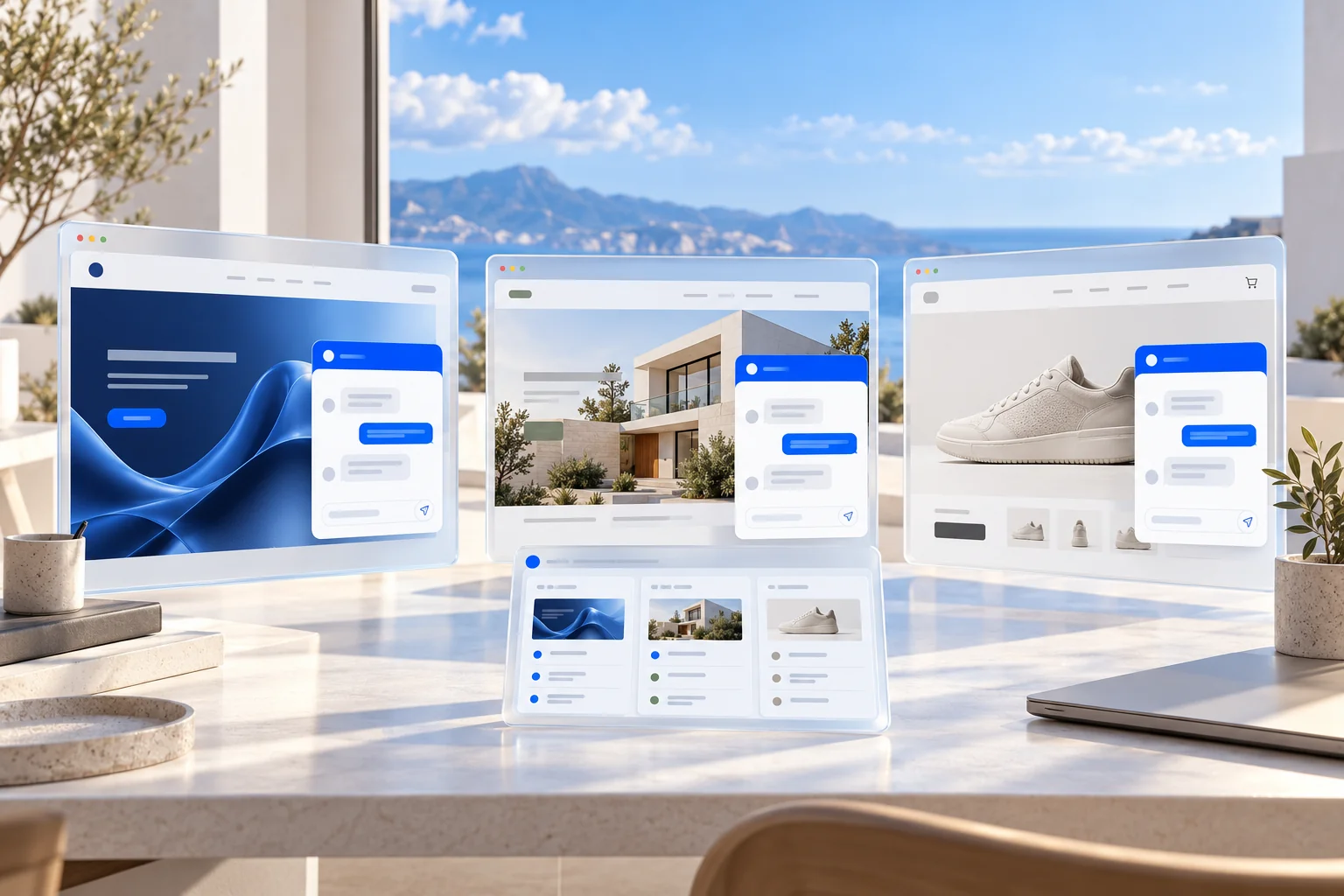
An AI chatbot agency designs and manages conversational experiences for other businesses. The software provides the assistant; the agency identifies what customers need, prepares the information, configures the next steps, connects the right systems, and checks the result. A web agency can add this to existing client work. A new agency can begin with a focused implementation service.
The client is buying help with a business problem. For a software company, that might be product questions before a demo. For a local service business, it might be an enquiry that includes the location and project details. For an online store, it could be product discovery followed by a link to the right item. Each needs different knowledge and actions, even when the same platform supports them.
| Client | Useful first workflow | What you verify |
|---|---|---|
| SaaS business | Answer product questions and help visitors request a relevant demo. | Answers match current documentation; the demo reaches the right person. |
| Home services business | Explain service areas and collect a project brief. | The enquiry contains useful details and reaches the follow-up team. |
| Online store | Help shoppers find products and understand public policies. | Product information comes from a suitable source; links open the right items. |
| Appointment business | Explain the service and offer the configured booking route. | Times, timezone, availability, and the actual booking record are correct. |
1. Choose your first clients and a focused offer
Start with businesses you understand or can reach through your existing work. Look for recurring customer questions, a clear next action, useful public information, and someone who can approve the assistant’s answers. The strongest first prospect may be an existing website client whose staff can describe exactly where customers get stuck.
Before a sales call, read the prospect’s service pages, pricing information, policies, and contact or booking flow. Write down three questions you would have as a visitor. During discovery, ask which questions consume staff time, what makes an enquiry valuable, and who responds after a customer asks for help. You are looking for a problem the client recognizes and a process they can support.
- Choose one audience: for example, local renovation firms or small SaaS teams.
- Choose one primary action: a useful enquiry, a booked consultation, or a relevant product visit.
- Confirm the approved sources and the person responsible for keeping them current.
- Identify requests that need a human, including exceptions and sensitive questions.
- Agree on a small pilot before expanding to several sites or complex integrations.
Our chatbot client selection guide provides a more detailed scorecard. You can serve multiple industries over time; keep your first delivery focused enough to learn from it.
How to get your first AI chatbot client
Bring one observation from the prospect’s actual website to the conversation. For example, their renovation page may invite quote requests without explaining service areas or the details needed to assess a project. Show how an assistant could answer those questions and collect the missing context. A relevant demonstration gives the client something concrete to evaluate.
- Ask for a short discovery conversation with the person who handles enquiries or support.
- Agree the five customer questions and one next action that matter most for this website.
- Build a private demonstration using approved public information; leave private accounts disconnected until their owner authorizes access.
- Present the expected answers, the saved enquiry or booking, and the human fallback together.
- Offer a written pilot with a fee, delivery date, approval owner and review point. Move to ongoing management after the client accepts the launch.
2. Package a service your client can understand
A useful package describes the customer experience and the work included. Separate the initial setup from the ongoing service. The setup prepares and launches the assistant. Ongoing management covers agreed reviews, corrections, usage checks, and improvements. State the number of websites, workflows, review rounds, and support responsibilities in the proposal.
| Service package | Example scope | A sensible boundary |
|---|---|---|
| Website answers | Approved business knowledge, branded widget, common questions, human contact route. | One website and a defined set of sources. |
| Enquiries and scheduling | Website answers plus a lead form or configured booking workflow and alerts. | Named services, required fields, calendar, and follow-up owner. |
| Managed connected assistant | An agreed workflow using supported store, document, or business system connections. | Specified actions, account permissions, acceptance tests, and monitoring. |
These are example agency packages, not Chirps subscription tiers. Select a platform plan separately based on its current limits and capabilities. If the client wants phone reception, scope the phone number, minutes, transfers, and fallback independently. A website assistant project does not automatically include a complete call center deployment.
What should be included in a paid pilot?
A pilot should answer whether this particular workflow is useful and maintainable. Agree the test before collecting results. If there is little website traffic, begin with client-reviewed acceptance tests; do not interpret an absence of conversations as evidence of a conversion improvement.
| Pilot deliverable | Approval check |
|---|---|
| Approved knowledge | The client confirms services, prices or price conditions, policies and exclusions. |
| One customer action | An enquiry is saved, a booking is recorded, or a product link opens the intended item. |
| Human fallback | The right person receives the request and can read its context. |
| Website installation | The correct assistant appears on the agreed pages and works on a phone. |
| Review and decision | The client reviews answer quality, completed actions, usage and maintenance work before expanding. |
Use the client onboarding checklist for the source and access handover, then put the pilot boundaries in your chatbot proposal and statement of work.
3. Build the client’s assistant with Chirps
The Agentic Builder lets you describe what you want to create and work through the setup conversationally. Give it the client’s public website and the purpose of the assistant. Add approved files or instructions for information the website does not explain. Review the resulting business knowledge before treating the assistant as ready for customers.
- Create a distinct assistant for the client and confirm the intended workspace and business identity.
- Add the website and approved documents. Check the summary, source coverage, service areas, and important exclusions.
- Review the instructions, welcome message, conversation style, and customer questions with the client.
- Apply the business’s logo, colours, and widget appearance, checking readability on real pages.
- Configure the relevant form, booking route, notification destination, or supported connector.
- Test the customer journey and the human fallback before installing it on the live website.
The builder can guide supported connector setup, but an account owner may still need to authorize access or enter credentials in the connection screen. Never assume a connection works because its name appears in a marketplace. Check the exact capability, selected resources, and a real test result.
For example, the native WooCommerce connector supports published product lookup and specified order-status access; it does not automatically provide refunds or order editing. Calendly can provide a scheduling link, with final confirmation handled by Calendly. Choose the workflow that your connected provider actually supports.
4. Design the conversation around a real customer journey
Consider an illustrative renovation client. A visitor asks, “Do you renovate kitchens in my area?” The assistant should explain the approved service coverage, clarify the location if needed, and help the visitor request contact. It should not invent a project price or promise an appointment the business has not confirmed.
| Moment | Assistant experience | Agency delivery task |
|---|---|---|
| The visitor asks about a service | Answer using the client’s approved service information. | Check coverage, exclusions, and common buying questions. |
| The visitor wants a quote | Offer the configured enquiry form with useful project fields. | Agree the fields with the team that assesses projects. |
| The visitor submits the request | Confirm the saved request and explain the actual next step. | Verify the record and the intended alert destination. |
| The team follows up | The business uses the captured details and conversation context. | Confirm ownership and review the agreed response process. |
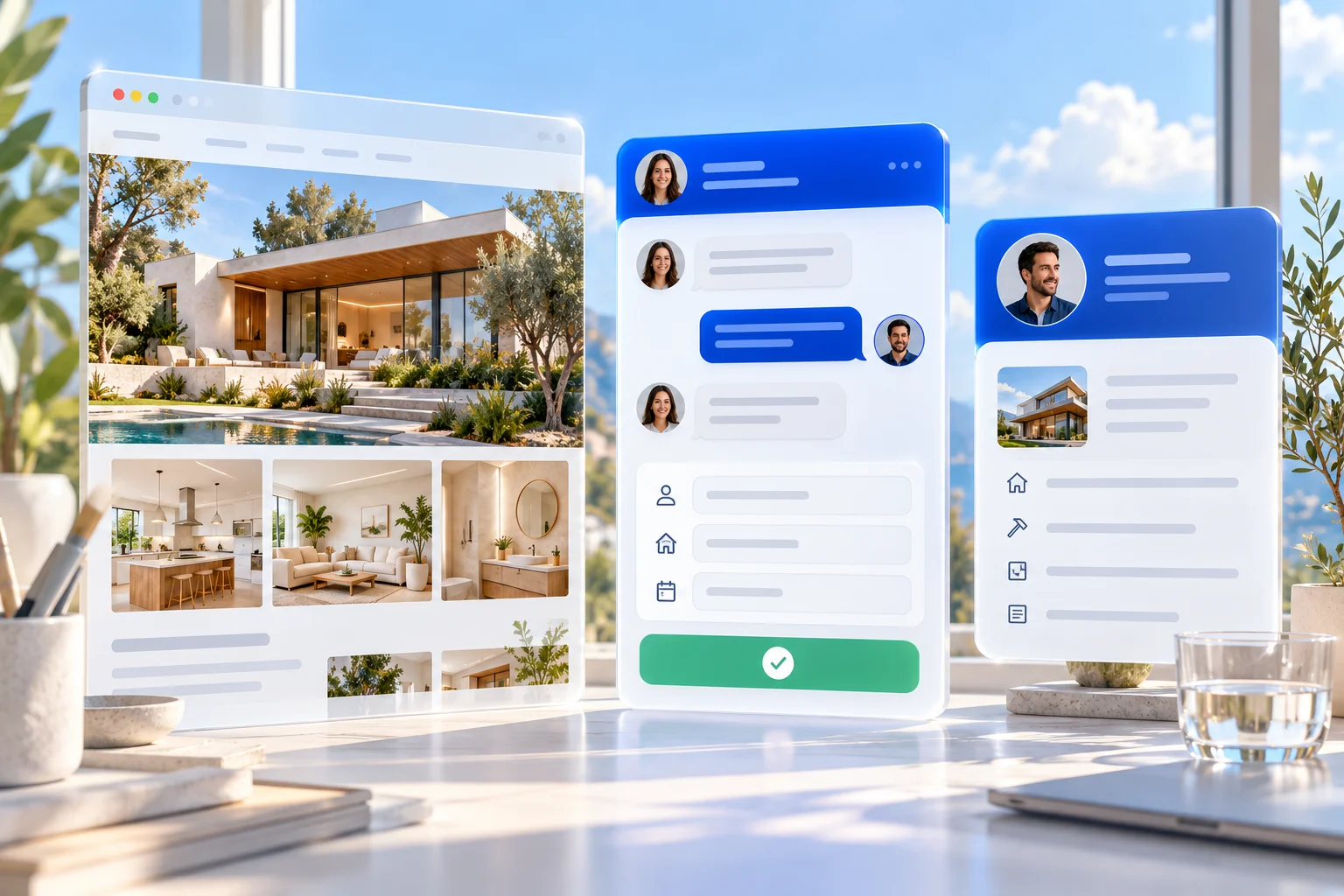
For a SaaS client, the same approach might help a visitor understand a feature or plan before requesting a demo. For a shop, it might use a connected catalogue to show relevant products with genuine images and product links. Product cards require usable product data; ordinary links remain a useful fallback. The SaaS support guide and product discovery guide explore those journeys.
Copilot can help visitors navigate permitted website controls when configured and available on the plan. Voice offers another way to converse. Introduce either when it solves a customer problem, and test it on the actual site. A dropdown, a cookie banner, a mobile keyboard, or a full-page navigation can change the experience.
5. Set pricing from delivery cost and ongoing responsibility
There is no universal amount every chatbot agency should charge. Your price depends on the preparation needed, the workflow, integration effort, review time, support commitment, and ongoing usage. Quote the work you will perform and the service you will maintain, then compare the proposal with the client’s priorities.
For setup, estimate discovery, source preparation, configuration, integration, installation, testing, revisions, and project management. For a retainer, include conversation review, content updates, reporting, support, platform allocation, and a reserve for unexpected work. Your own labour has a cost even when you are the founder doing it.
Review current Chirps plans for assistant capacity, AI credits, team access, and feature availability. AI credits are an allowance for completed AI work. Visitor messages are free; assistant replies and additional search, tools, Copilot, or website voice can consume credits. Telephone numbers, telephone minutes, and messaging allowances are purchased separately.
Allocate shared platform cost deliberately. Dividing a subscription by the number of assistant slots gives a rough capacity allocation, not your profit per client. Include actual usage, your maintenance work, provider charges, and the support obligation. Plan boundaries, permissions, and any resale arrangement also need to fit your service.
| Cost to account for | Setup fee | Monthly retainer |
|---|---|---|
| Agency time | Discovery, source preparation, configuration, installation, tests and agreed revisions. | Conversation review, approved updates, reporting and support. |
| Platform capacity | The plan and assistant creation capacity needed for the launch. | An allocation of the current subscription and the client’s actual usage. |
| Connected services | Authorization and testing of each agreed provider. | Separately scoped phone numbers, call minutes and paid delivery allowances where used. |
| Extra work | Define which changes are included before launch. | Quote a new workflow, new integration or extra review work separately. |
Use the agency chatbot pricing framework for a deeper calculation and the proposal template to document included work, exclusions, revisions, and approval.
6. Settle client ownership, branding, and access
Agree which workspace owns the assistant, who pays for the platform, and who can view conversations or change settings. Use the available permissions rather than sharing one login. Distinct assistants help scope each business’s configuration; workspace access must also reflect which client information each person is allowed to see.
Keep provider accounts under agreed ownership. A client may authorize Google, approve documents, or provide read-only store credentials. Record the connected account, selected resources, and person responsible for reconnecting it if access changes. A folder containing private internal material should not become visitor knowledge without a deliberate review.
Widget customisation, platform branding removal, and full white-label resale rights are separate questions. Verify the plan and any custom agreement before offering a branded portal, unrestricted resale, or a handover capability. Describe the branding options you have actually confirmed.
Before launch, document what happens if the agency relationship ends: who maintains the knowledge, who controls the site installation, and how access is revoked or handed over. Chirps’s assistant ownership transfer lets the intended recipient accept an invitation to their verified email. Knowledge, conversations, leads and bookings stay with the assistant; after acceptance, the sending workspace loses access.
The recipient’s plan and capacity apply after transfer. The assistant arrives paused for review, and phone numbers and subscriptions do not move with it. Connected accounts must be re-established. Confirm the client’s authority to receive customer records and explain the handover before starting it; a workspace invitation and an ownership transfer serve different purposes.
7. Install, test, and launch on the client’s website
For WordPress, use the Chirps WordPress integration page and the plugin installation guide. For other builders, follow the relevant installation instructions. Confirm the client-specific assistant identifier and use staging where practical before changing the live site.
Run a small acceptance set with the client’s actual information. Test typical requests and the situations where the assistant should stop, clarify, or ask for human help. Record expected outcomes so you can repeat the checks after updates.
| Test | What a useful result looks like |
|---|---|
| Common buying question | A correct answer supported by approved information. |
| Unknown price or unsupported service | An honest limit and an appropriate contact or clarification route. |
| Missing training information | A permitted lookup or clear uncertainty, without treating absence as proof. |
| Lead or booking submission | A real saved record and accurate confirmation of the next step. |
| Disconnected tool or failed alert | An honest fallback; no claim that an unfinished action succeeded. |
| Private information request | Access checks and the configured verification requirements are respected. |
| Mobile use | Readable replies, usable forms, keyboard access, and no obstruction of key site controls. |
Test delivery as well as appearance. Find the saved enquiry, inspect the booking, and verify the actual notification destination. A webhook accepting a request does not prove a downstream automation finished. Ask the client’s team to demonstrate the follow-up process and approve the launch.

The client onboarding checklist provides a fuller collection of access requirements, knowledge questions, and approval steps.
8. Make your monthly service useful and measurable
Once the assistant is live, review what people actually ask. Look for missing information, incorrect assumptions, abandoned forms, failed tool calls, and unclear handoffs. Fix the relevant source or configuration, then repeat the affected test. Tell the client what changed and which customer problem the change addresses.
| Measure | How to use it |
|---|---|
| Useful enquiries | Review whether captured requests contain the details the client needs. |
| Completed bookings | Check actual records and distinguish scheduled appointments from interest. |
| Question quality | Sample answers against current business sources and record corrections. |
| Human follow-up | Check whether the intended team receives and handles requests. |
| Usage and delivery cost | Compare credits, provider charges, and agency time with the agreed scope. |
For an illustrative first month, check the installation and delivery paths immediately after launch, review early conversations after the first week, make approved corrections, and hold a short client review at the end of the month. Adjust that cadence to the traffic and rate of business change. Define it in the retainer rather than promising continuous manual monitoring you cannot provide.
Compare outcomes with a baseline and note changes in traffic, campaigns, or offers. A chat is not automatically a lead, and a lead is not automatically a sale. Use the client’s own sales records for revenue claims. The maintenance retainer guide explains how to turn this review process into a defined recurring service.
Your first 30 days as an AI chatbot agency
- Week 1: speak with suitable prospects, choose one audience, and define a workflow and follow-up owner.
- Week 2: prepare a discovery form, a scoped proposal, and the client-specific acceptance questions.
- Week 3: build a Chirps demonstration from approved information. Review it with the client and document what remains to configure.
- Week 4: launch a controlled pilot after testing, then schedule a review of conversations, outcomes, and usage.
This is an example schedule, not a guarantee that a sale or deployment will happen in a month. Start with one client and a process you can repeat. Expand when you understand the maintenance cost and know that the customer journey works.
Frequently asked questions about chatbot agency services
Do I need to know how to code to start an AI chatbot agency?
A basic Chirps website assistant can be prepared and installed without writing application code. You still need to understand the client’s website, review source information, configure the workflow, and test it. Custom APIs and more complex integrations may require technical help.
Can an existing web or marketing agency offer this service?
Yes. It can complement website maintenance or campaign work when the assistant addresses a real visitor need. Keep implementation, platform capacity, and ongoing management clear so the client understands what is included.
Can I manage assistants for different clients?
Chirps supports multiple assistants subject to plan limits. Use a distinct setup for each business and appropriate workspace permissions. Confirm ownership, team access, and the commercial arrangement before offering a managed multi-client service.
Can I offer AI chatbots to my existing website clients?
Yes. Begin with one client whose visitors need clearer answers or a better enquiry path. Scope an initial implementation separately from ongoing management, then show the saved customer action and the review work you will provide. The existing-client offer guide covers qualification and the first discussion.
Can I hand an assistant over to a client?
Chirps supports ownership transfer through an invitation accepted by the recipient’s verified email. The assistant and its existing records move to their workspace, your sending workspace loses access, and their plan applies. The assistant arrives paused; phone numbers and subscriptions stay with the sender. Agree the customer-data handover and reconnect provider accounts before resuming it.
Is Chirps automatically a full white-label reseller platform?
Do not assume that from widget appearance options. Check the current plan and discuss custom or reseller requirements with Chirps. Branding removal, a branded management portal, and resale rights are different capabilities.
How much should I charge for an AI chatbot?
Estimate setup and recurring delivery costs, then price a clearly defined service. Include labour, usage, third-party charges, revisions, and support. There is no single reliable rate for every niche or workflow; the pricing calculation above gives a starting method.
Will an assistant guarantee more sales?
No. It can help customers reach a useful next step, but outcomes depend on traffic, the offer, answer quality, configuration, and the business’s follow-up. Measure results with the client before making a commercial performance claim.
What should a monthly chatbot retainer include?
A defined review cadence, approved content updates, usage checks, workflow testing, reporting, and a support route. Name the included changes and response expectations; quote new integrations or material scope changes separately.
Build an assistant service your clients can rely on
Choose a customer problem, prepare the business information, build the next action, and verify that someone can handle the result. Chirps provides the assistant tools; your agency makes them fit the client’s operation. The service becomes easier to sell and maintain when the scope and evidence are clear.
For a closer look at delivery across industries, read AI assistants for agency client websites. For your first installation, start with the WordPress setup guide or Chirps documentation.